To add a follow up to either a contact or an inquiry, you need to: Search for a stakeholder > Click on their name on the search results page > click on either the contacts tab or the inquiry tab > Click “view” next to the contact or inquiry and then choose “Add a Follow up”
Delete a Followup
Editor
Manager
Administrator
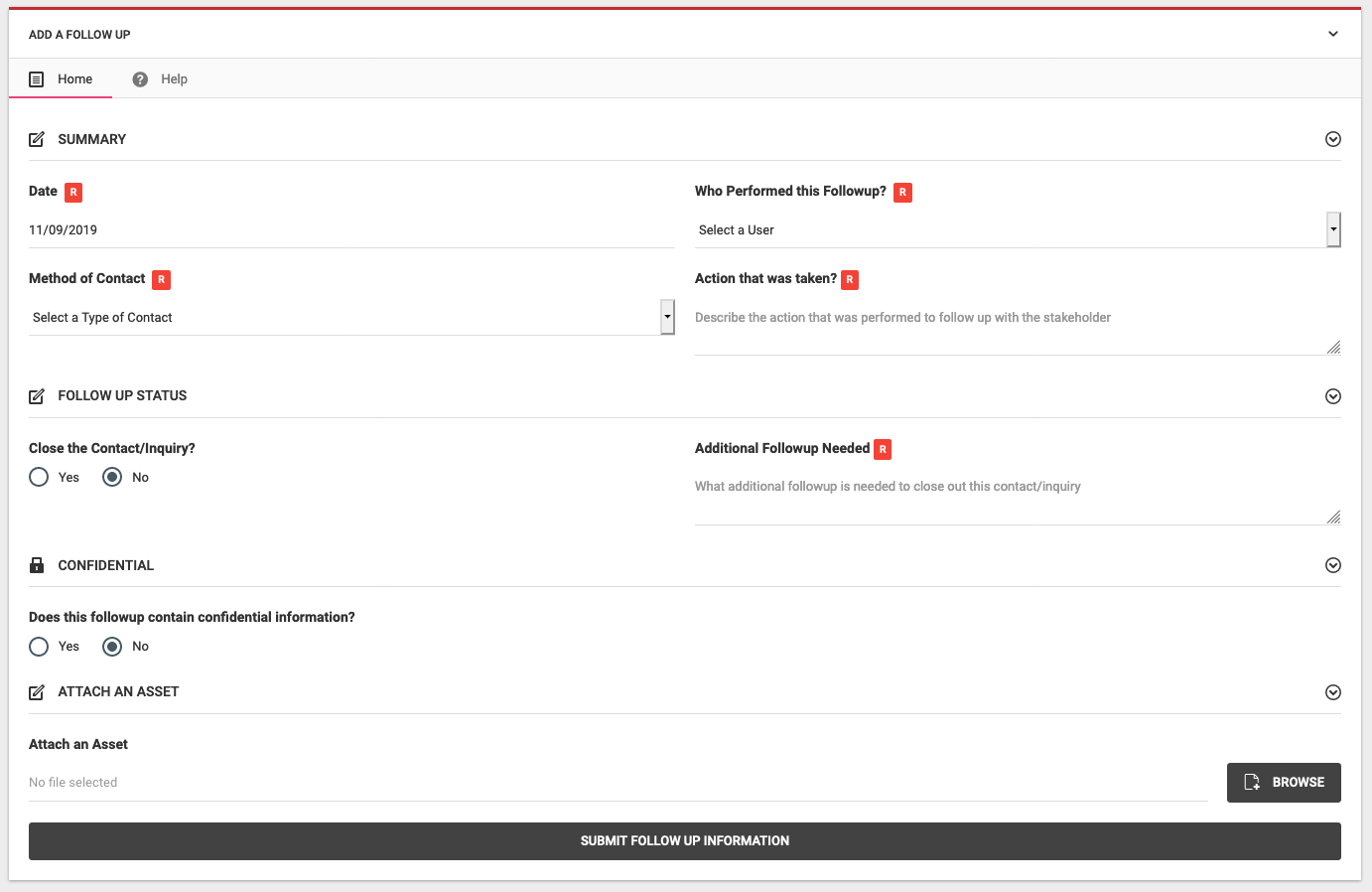
- Date R
-
Select the date in which this followup occurred. Defaults to today's date but you can select any date that is relevant
- Who Performed this Followup R
-
Select the team member who performed the contact.
- Type of Contact R
- Select how the project team is following up on this inquiry/contact
- Action that was Taken
-
Describe what was done for this followup
- Close the Inquiry/Contact
-
Select weather or not this followup closes this inquiry/contact
- Additional Followup Needed R
-
If you answer No to the above question, you need to specify what additional followup is needed to close out this contact/inquiry
- Confidential Information
-
Select weather or not this followup contains confidential information, defaults to "No"
- Attach an Asset
-
if you need to attach an asset, you can select it from your local file system and it will be attached to this contact
