
Section 2 - Accessing SMS
How to Access SMS
Open a web browser. SMS supports all major browsers (Internet Explorer 10+, Mozilla Firefox, and Google Chrome and Safari), but using Google Chrome or Firefox is recommended. Once your web browser is open, click on your address bar and type in the URL you were provided. An example URL: https://demo.stakeholderlink.com* All screenshots are taken from our demo site. Your site will have your logo, colors etc.

Login Procedure
Upon accessing the site, you will see the following screen: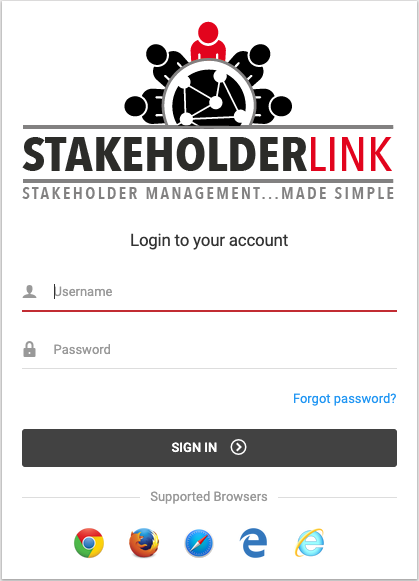
This is the login screen for SMS. At this screen, type in the Username and Password provided to you by the system and click the “Sign In” button.
Note: If you cannot remember your login information, you can click the “Forgot password?” link found just below the Sign In button. After clicking this link, you are prompted to enter the email address associated with your account. After you enter your email address, click “Retrieve Password”. This will prompt the system to send you an email containing your Username and Password. Look for the email in your inbox and then login using the provided information.
If this is the first time you have logged into the site, you will be redirected to the change password page so you can create a new password.
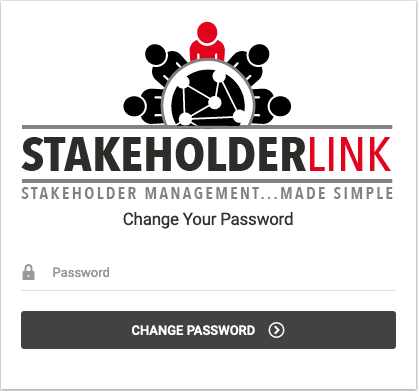
Type in a new password and click the change password button. You will now be redirected back to the login screen and you can now login with your username and new password.
After logging in, you will be brought to the “Select a Project” screen:
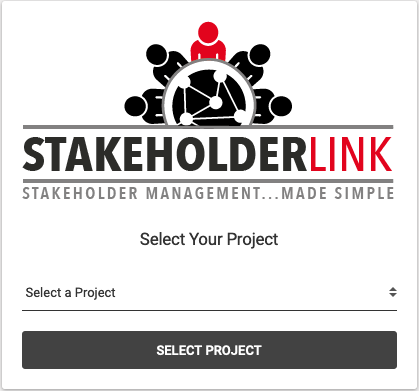
This screen allows you to select your project. Choose the relevant project from the drop down box and then click the “Select Project” button.
Note: You will only see the projects that you have access to. If you do not see the correct projects, please contact us at (303) 204-6700.
After clicking the “Select Project” button, you will be taken to the project’s Home Screen. If you see the Home Screen, you have successfully logged into SMS.